AI humanizer that keeps your meaning
AI Humanizer
Turn stiff AI-assisted drafts into clear, natural writing without losing your meaning or citations.
- Email or Google
- Private by default
- Keeps your meaning
- Failed runs are never charged
Keeps your meaning
Rewrites sentence by sentence and flags any number or name the rewrite adds.
You stay in control
Pick the model and how strongly it rewrites, then compare every change.
Check it after
Run the AI detector on the result before you submit.
Private by default
Your text is saved only to your own History, and you can delete it anytime.
What changes
Why detectors flag AI text
Generated text is even and predictable. The humanizer rewrites it the way a person would.
Varied rhythm
Mixes short and long sentences the way people actually write.
Stock phrases removed
Replaces filler transitions and clichés with plain wording.
Meaning kept
Your argument and citations carry over, and any name or number the rewrite adds is flagged.
Level control
Choose a light touch or a thorough rewrite, from level 1 to 10.
Two models
Standard for everyday text, Advanced for writing that needs more work.
Built-in check
Run the AI detector on the result before you submit.
Side by side
See the difference
AI draft
In today's fast-paced digital era, it is undeniable that artificial intelligence plays an increasingly pivotal role in education.
Humanized
AI is already part of everyday teaching, from lesson planning to feedback.
How it works
From draft to ready in four steps
- 1
Paste your draft
Paste text or upload a document, anything from a paragraph to a full essay within your plan's word limit.
- 2
Choose model and level
Standard for everyday writing, Advanced for tougher text. Raise the level to rewrite more strongly.
- 3
Humanize
Every sentence is rewritten, and any name or number the rewrite adds is flagged for you.
- 4
Review every change
See each edit highlighted, swap in alternative sentences, then copy the clean version.
One workspace
Everything in one place
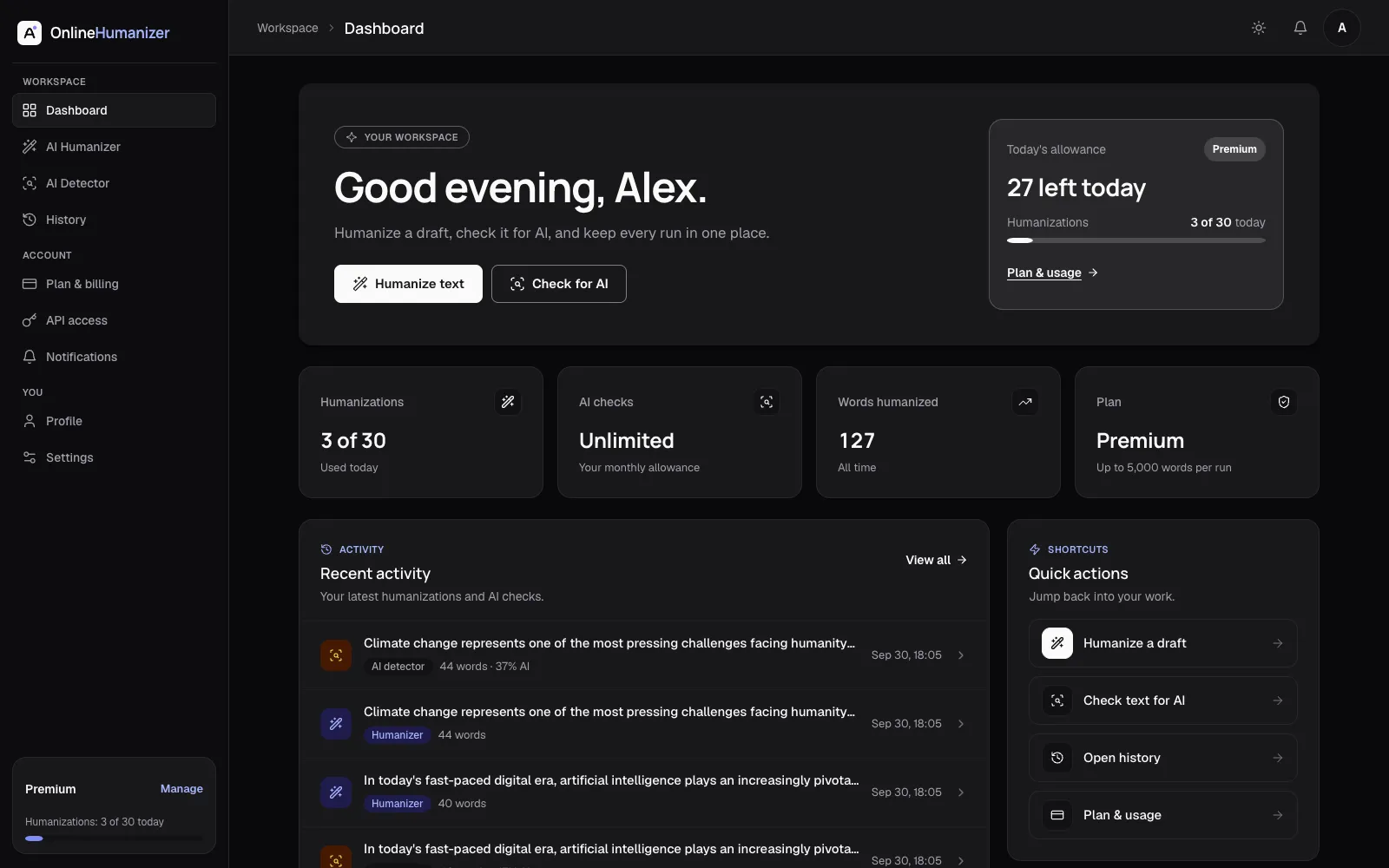
Every humanization and AI check is saved to your dashboard, with your allowance in view. Reopen any run from History and pick up where you left off.
Full history
Reopen any run from History and pick up where you left off.
Usage overview
See your remaining allowance at a glance.
Private by default
Your text lives only in your History. Delete it anytime.

FAQ
Questions, answered
What does the AI humanizer do?
It rewrites AI-assisted text so it reads naturally, while keeping your meaning. You choose the model and how strongly it rewrites.
Can an AI detector be wrong?
Yes. Every AI detector makes mistakes, including on text a person wrote. Use a score as a guide to review your writing, not as proof either way.
Is Online Humanizer affiliated with Turnitin?
No. Online Humanizer is an independent service and is not affiliated with Turnitin.
Do you keep my text?
Your runs are saved to your History so you can reopen them. You can delete one item or clear all of it at any time, and deleting your account removes everything.
How do I get a plan?
Plans are set up by our team for now. Contact us and we'll get you started. Online checkout is coming soon.
Which file types can I upload for a report?
PDF, Word (.doc and .docx), plain text, RTF and PowerPoint (.pptx), up to 20 MB.
Get started today
Ready to refine your draft?
Create an account to keep every run in your History, or paste your text above to start.
- Private by default
- Failed runs are never charged
- Start in seconds