AI humanizer that keeps your meaning
Humanize AI text so it sounds like you wrote it
Turn stiff, generated drafts into clear, natural writing that keeps your meaning, your facts and your voice.
Email or Google
Sign in with your email and a password, or continue with Google.
Private by default
Your text lives only in your History. Delete it anytime.
Keeps your meaning
Rewrites naturally while preserving your ideas and voice.
Failed runs are never charged
If a run fails, your allowance is untouched. It's on us.
5,000
words per request
On the largest plan
2
rewrite models
Pick one per run
10
rewrite levels
From a light touch to a full rewrite
The problem
AI text is fast. It should still sound like you.
Generated drafts share patterns that readers and detectors both notice. Our humanizer keeps your ideas, but makes them read like a real human wrote them.
Uniform rhythm
AI drafts repeat the same sentence length and shape, which is the pattern detectors look for.
Stock phrases
"Furthermore", "it is important to note", "in today's fast-paced world": phrases readers spot at once.
Slow manual fixes
Rewriting every sentence by hand takes longer than writing the draft did.
AI draft
Furthermore, it is important to note that remote work has fundamentally transformed the way teams collaborate, fostering unprecedented levels of flexibility.
Humanized
Remote work has changed how teams work together, and most people like the flexibility.
How it works
Four simple steps
From a generated draft to text you're happy to submit.
Paste your draft
Paste text or upload a document, anything from a paragraph to a full essay within your plan's word limit.
Choose model and level
Standard for everyday writing, Advanced for tougher text. Raise the level to rewrite more strongly.
Humanize
Every sentence is rewritten, and any name or number the rewrite adds is flagged for you.
Review every change
See each edit highlighted, swap in alternative sentences, then copy the clean version.
What is an online humanizer?
Online Humanizer is a browser-based editor for drafts that started with an AI tool. Paste your text, and it returns a version with more varied sentences and plainer phrasing, while your argument, facts and citations stay where you put them.
It works alongside an AI detector in the same place, so you can rewrite a draft, see which sentences still read as AI, and fix only those lines. Every edit is shown before you copy anything, so the final wording is always your choice.
Your text is processed by our AI providers to produce your result and saved only to your own History, where you can delete it at any time. The privacy policy explains the details.
No tool can guarantee a particular detector score. The humanizer improves natural phrasing, but you should still review names, numbers and claims, and check the result with the AI detector. Start with the AI humanizer, compare plans and limits, or read how AI detectors work.
Who it's for
Built for the way you write
Students
Essays that sound like you
Keep your argument and citations; lose the stiff, generated tone.
Sample rewriteSocial media has changed how teenagers make friends, mostly by making it easier to stay in touch.
Marketers
Copy with a real voice
Turn generic drafts into posts and pages that read like your brand.
Sample rewriteOur new planner fits on one page, so you can see your whole week at a glance.
Professionals
Clear reports and emails
Cut the filler from proposals and updates without losing the detail.
Sample rewriteWe finished the migration two days early and saw no downtime.
Writers
Drafts you can build on
Use AI for a first pass, then get prose with natural rhythm to edit.
Sample rewriteThe rain had stopped by the time she reached the station, but the platform was still empty.
One workspace
Everything in one place
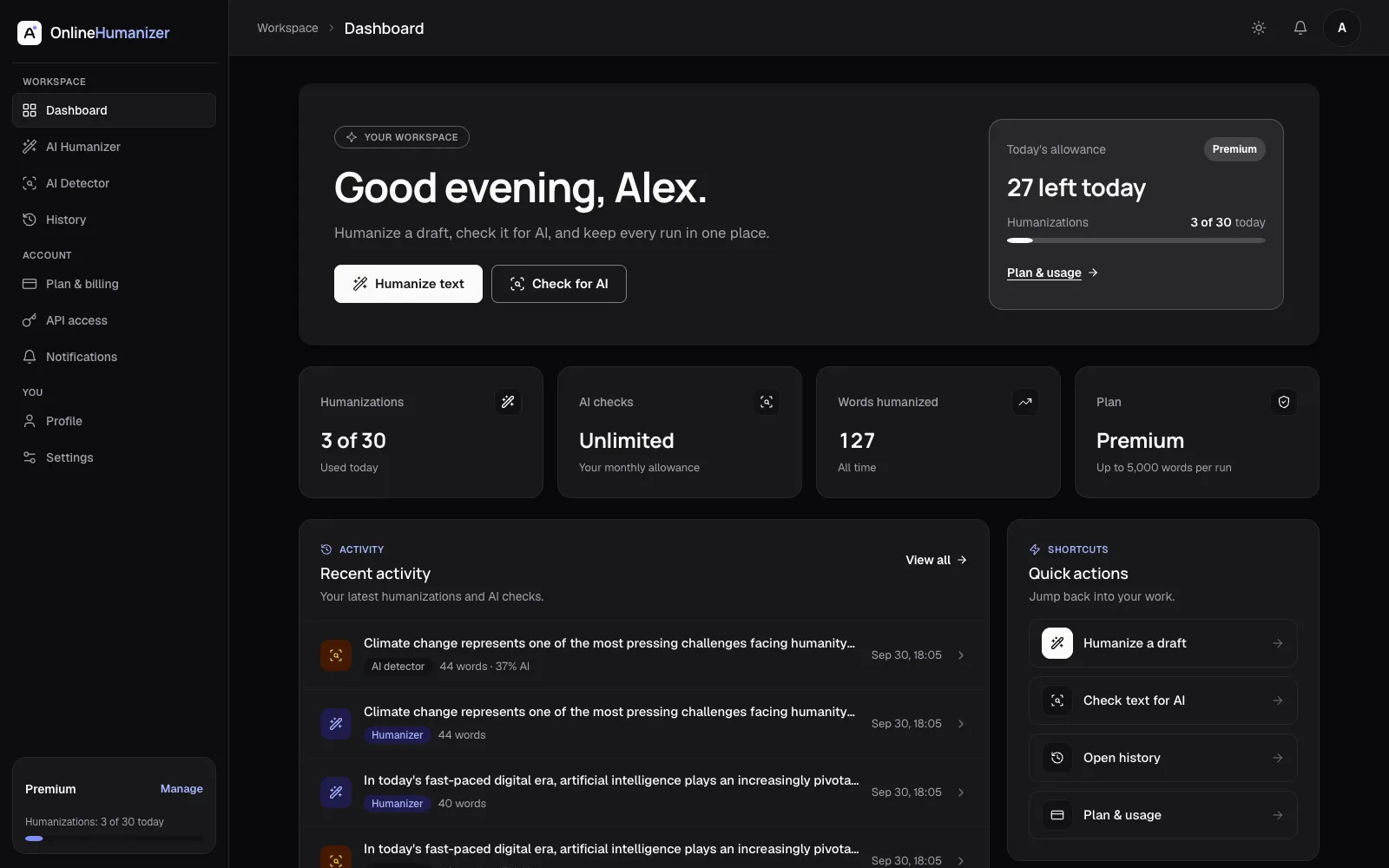
Every humanization and AI check is saved to your dashboard, with your allowance in view. Reopen any run from History and pick up where you left off.
Full history
Reopen any run from History and pick up where you left off.
Usage overview
See your remaining allowance at a glance.
Private by default
Your text lives only in your History. Delete it anytime.

Privacy
Your writing stays yours
We're committed to keeping your content private and secure. Read our privacy policy to learn more.
Read the privacy policy →Processed by trusted AI providers
Your text is processed by our AI providers to produce your result.
Your history stays with you
Your history is kept until you delete it.
You're in control
Deleting your account removes your history and reports.
We don't sell your data
Your content is never sold to third parties.
Pricing
Simple plans for every writer
Choose a plan that fits your needs. Every plan includes both models, your full History and the same rewrite quality.
Basic
StarterFor light, occasional use
$14.99 / month
- 10 humanizations a day
- 2 Turnitin AI + plagiarism checks a month
- Up to 1,500 words per request
- Not included: Deep Humanize
- Not included: API access
Standard
Best valueFor students and regular users
$24.99 / month
- 20 humanizations a day
- 10 Turnitin AI + plagiarism checks a month
- Up to 2,500 words per request
- Not included: Deep Humanize
- Not included: API access
Premium
Everything includedFor power users and professionals
$34.99 / month
- 30 humanizations a day
- 25 Turnitin AI + plagiarism checks a month
- Up to 5,000 words per request
- Deep Humanize
- API access
Private by default
Your text lives only in your History. Delete it anytime.
Failed runs are never charged
If a run fails, your allowance is untouched. It's on us.
Cancel from Plan & billing
You keep access until the period ends, unless you cancel immediately.
FAQ
Questions, answered
Quick answers to the most common questions about Online Humanizer.
What does the AI humanizer do?
It rewrites AI-assisted text so it reads naturally, while keeping your meaning. You choose the model and how strongly it rewrites.
How is an AI humanizer different from a paraphraser?
A paraphraser mainly swaps wording. The AI humanizer also reworks sentence rhythm and phrasing to remove the even, predictable patterns that make generated text sound stiff. You still review every change before you use the result.
Which models and rewrite levels can I use?
Standard and Advanced are available, with a rewrite level from 1 (a light touch) to 10 (a fuller rewrite).
Can the humanizer guarantee a detector score?
No. AI detection is probabilistic, and no tool can guarantee a particular score. The humanizer improves natural phrasing, but you should review names, numbers and claims, then check the result with the AI detector.
Can an AI detector be wrong?
Yes. Every AI detector makes mistakes, including on text a person wrote. Use a score as a guide to review your writing, not as proof either way.
Is AIPlag Report affiliated with any detection provider?
No. AIPlag Report is an Online Humanizer product. It is not affiliated with, certified by, or endorsed by any third-party detection provider. Reports are produced with third-party detection services, and we show you the report they return.
Do you keep my text?
Your runs are saved to your History so you can reopen them. You can delete one item or clear all of it at any time, and deleting your account removes everything.
How do I get a plan?
Choose a plan and pay on the secure checkout page. Your plan turns on when the payment is confirmed.
Does Online Humanizer have an API?
Yes. API access is included with Premium and provides synchronous humanize and scan endpoints. The API page lists authentication, request and response fields, limits and error handling.
Which file types can I upload for a report?
PDF, Word (.doc and .docx), plain text, RTF and PowerPoint (.pptx), up to 20 MB.
Get started today
Ready to make your writing sound like you?
Create an account to keep every run in your History, or paste a draft above and see the difference.
- Private by default
- Failed runs are never charged
- Start in seconds